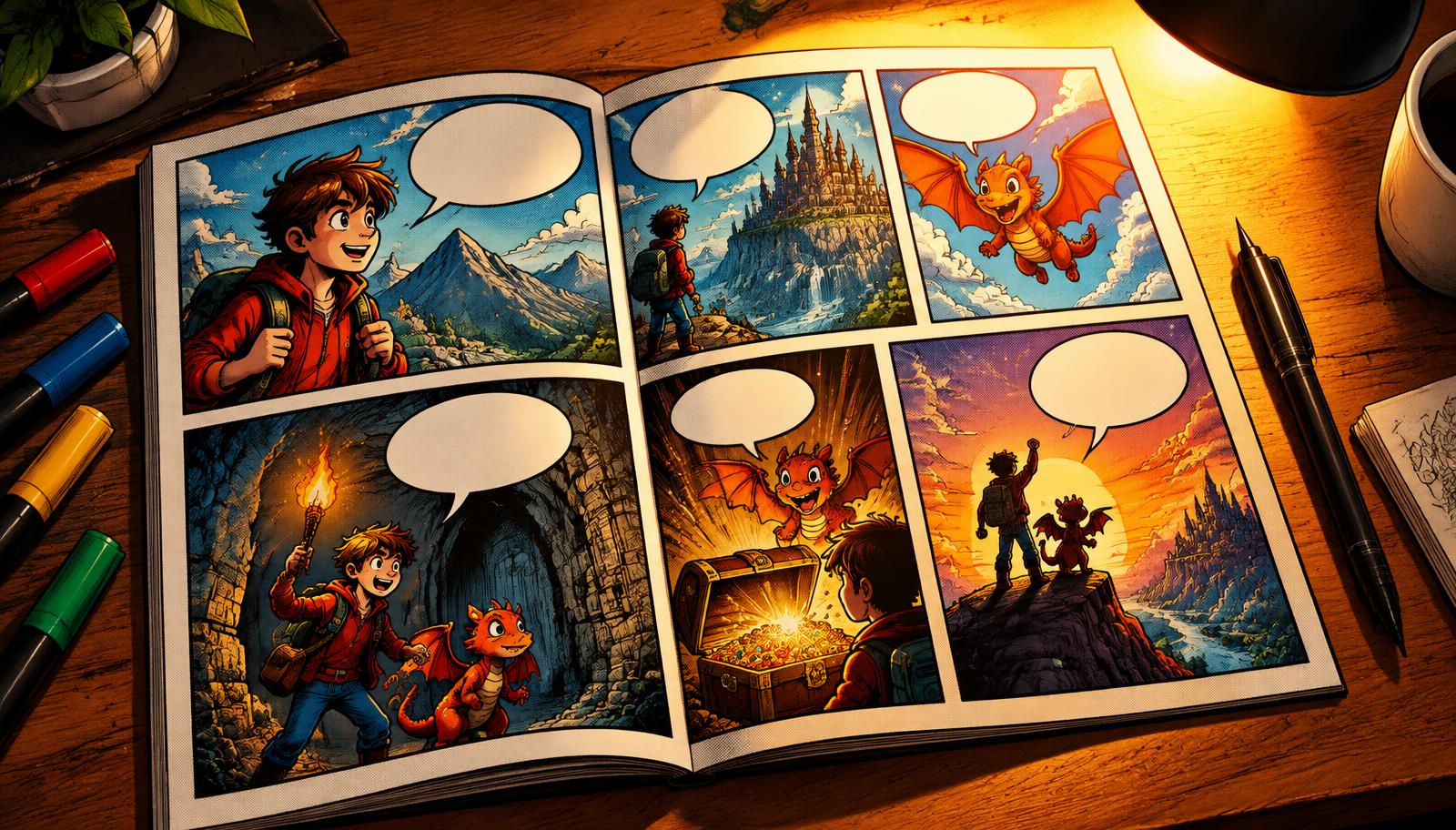
How to Write and Publish a Kindle eBook with AI in 2026
A step-by-step guide to writing, formatting, and publishing an eBook on Amazon KDP using AI — from first idea to live listing.

Publishing a Kindle eBook in 2026 is faster than it's ever been. This guide walks through the full loop — idea, outline, draft, cover, formatting, upload — using AI at each step.
Step 1 — Pick a niche you actually understand
AI won't save a random topic. Pick something where you have a point of view, a personal story, or professional expertise. Then narrow it: not "productivity" but "productivity for shift workers".
Step 2 — Draft an outline with AI
Give the AI your audience, tone, length, and the promise of the book. Ask for 8–15 chapters. Read it critically. Cut what's filler; expand what's the real value.
Step 3 — Generate chapters, then edit
Generate a chapter at a time so you can steer. Read every draft. Rewrite openings in your voice — that's the part readers judge you on.
Step 4 — Cover that survives a thumbnail
KDP shoppers see covers at 100px wide. Title big, contrast high, one clear focal point. Generate a few, then pick the one that reads at thumbnail size.
Step 5 — Export in KDP-ready formats
PDF for print, EPUB for Kindle, DOCX as backup. Check the front matter, table of contents, and page breaks before you upload.
Step 6 — Upload to Amazon KDP
Title, subtitle, description, 7 keywords, 2 categories, price, and territories. Use the keywords buyers actually type — not the ones you wish they'd type.
Step 7 — Publish, then iterate
Your first title is a learning device. Watch what converts, refresh the cover if click-through is low, tweak the description, and start the next book. Consistency beats perfection.
Doing all of this in one place? That's what VibeBooky was built for.
Ready to publish your own book?
From outline to full chapters and cover — formatted and ready for Amazon KDP.
Get started freeKeep reading