How to Create and Sell Coloring Books with AI (Amazon KDP, 2026)
The complete workflow for AI coloring books: picking a theme, generating full-bleed line-art pages, KDP interior specs, cover and pricing — plus what Amazon expects from the category.
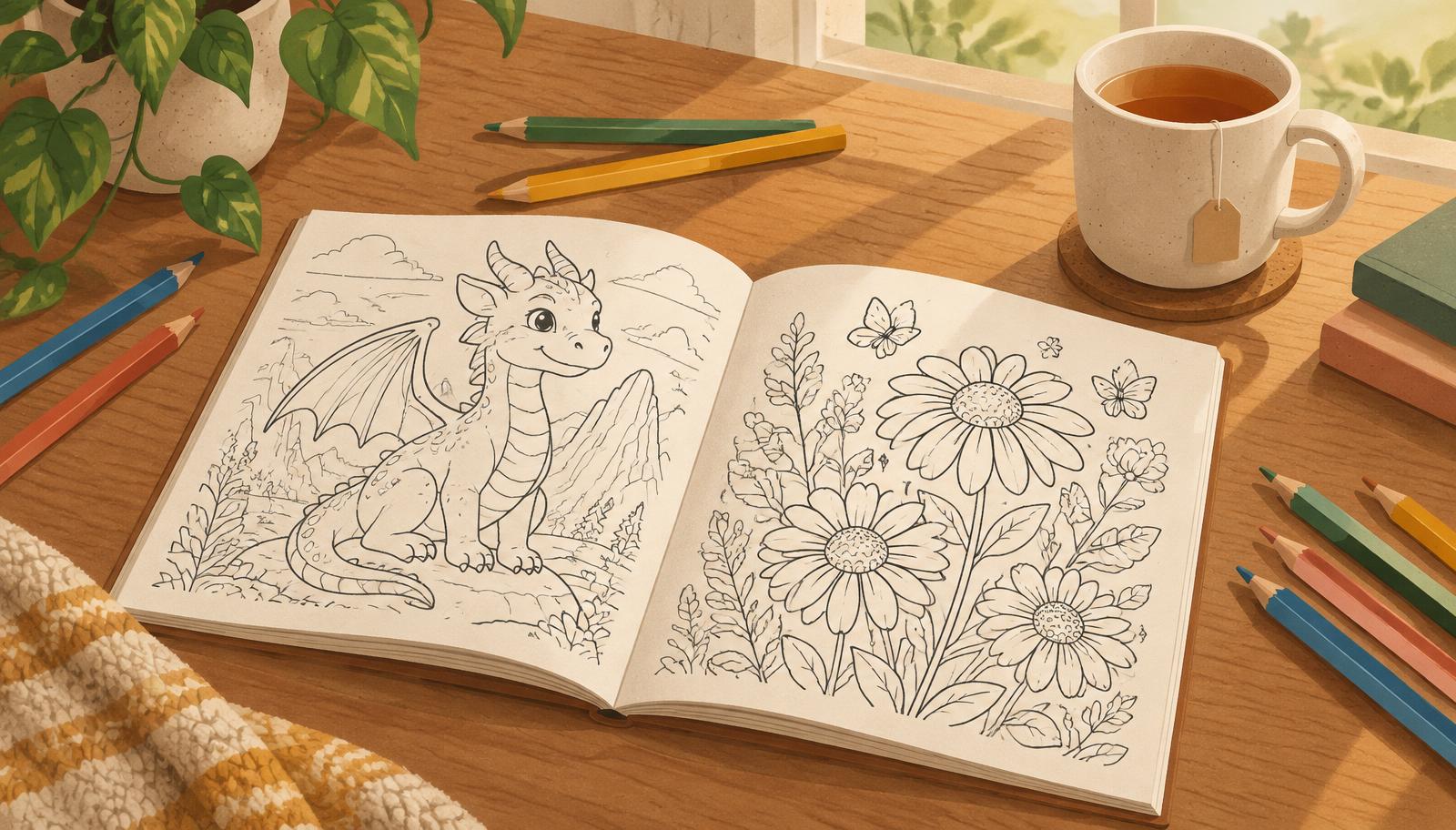
Coloring books are one of the strongest low-content categories on Amazon KDP: evergreen demand, gift-driven buying, and buyers who happily purchase a third or fourth book in a theme they love. This is the full workflow for creating one with AI — from theme to a print-ready interior.
Step 1 — Pick a theme with a clear buyer
"Coloring book" is not a theme. "Dinosaur coloring book for kids ages 4–8", "Bold and easy florals for adults", "Halloween monsters for toddlers" are themes. The buyer should be able to picture who they're buying it for in one sentence. Check the Amazon search suggestions for your idea — real autocomplete phrases are real demand.
Step 2 — Plan the page count
- 24–40 pages is the sweet spot for a first coloring book: enough value to justify the price, small enough to finish in one sitting.
- One big illustration per page. Full-bleed (edge-to-edge) pages look far more premium than small images floating in white space.
- Single-sided illustrations are the norm; KDP prints both sides, so keep line weight strong enough not to bleed through.
Step 3 — Generate the illustrations with AI
With VibeBooky you describe the theme once ("a 24-page Halloween coloring book for kids — friendly monsters, pumpkins, big bold shapes, no tiny details") and the engine generates every page as full-bleed line art in a consistent style. Consistency is the hard part of DIY image generation and the reason theme-first prompts work: one style instruction applied to every page beats twenty mixed styles.
Quality rules that matter for coloring specifically:
- Thick, closed outlines. Thin or broken lines frustrate colorists and print poorly.
- No gray fills, no shading. Pure black line art on white.
- Age-appropriate detail. Ages 3–6 need big simple shapes; adult books can go intricate.
- Vary the composition. Same style, different scenes — repetition is the fastest way to look cheap.
Step 4 — Cover and interior specs for KDP
- Interior: PDF at your trim size (8.5×11" is standard for coloring books) with bleed, margins respected, page numbers outside the artwork.
- Cover: full-wrap PDF including spine, or a 1600×2560 px JPG for the eBook listing. The cover should show the style of the inside — a monster cover should contain monsters.
- Paper: white paper, never cream — coloring pages need the brightest base for markers and pencils.
Step 5 — Categories, keywords and pricing
Choose the most specific Books → Crafts, Hobbies & Home → Activities & Games → Coloring Books-style subcategory that fits, and use buyer-phrase keywords like "dinosaur coloring book for kids ages 4-8". Price print coloring books at $6.99–$9.99 depending on page count; the printable PDF/eBook version usually sells at $2.99–$4.99. Review your keywords after 30 days — same discipline as any KDP niche (see the keywords and categories guide).
Common mistakes that get coloring books returned
- Pages with gray shading that prints muddy.
- Details so small a crayon can't fill them (age mismatch).
- A cover style that doesn't match the inside pages.
- Page count padded with near-duplicate images.
The whole loop — theme, 24 pages, cover, PDF export — is exactly what VibeBooky's coloring book mode automates. Try one book first; if a theme sells, spin it into a series. Series is where coloring books compound.
Frequently asked questions
+ Can you sell AI-generated coloring books on Amazon KDP?
Yes. KDP allows AI-assisted content, and coloring books are one of the categories where AI illustration is widely used. What matters is delivering a genuine product: consistent, print-ready line art that matches the listing — not the tool used to make it.
+ How many pages should a coloring book have?
For a first title, 24–40 illustrated pages works well. It's enough to justify a $6.99–$9.99 print price while keeping production and review manageable. Series titles often go slightly larger once a theme proves itself.
+ What trim size is best for a coloring book on KDP?
8.5×11 inches is the standard for coloring books and what most buyers expect. Use white paper, bleed for full-page illustrations, and keep artwork clear of the margins.
+ How much does it cost to publish a coloring book on KDP?
Publishing itself is free — Amazon deducts printing cost from each sale. The real costs are your time and any AI credits used to generate the illustrations and cover, which VibeBooky keeps to a few credits per page.
Ready to create your first coloring book?
Generate clean line-art pages and print-ready KDP covers in minutes.
Get started freeKeep reading